
TextWrangler by Mac : two convenient script to compile and run C code
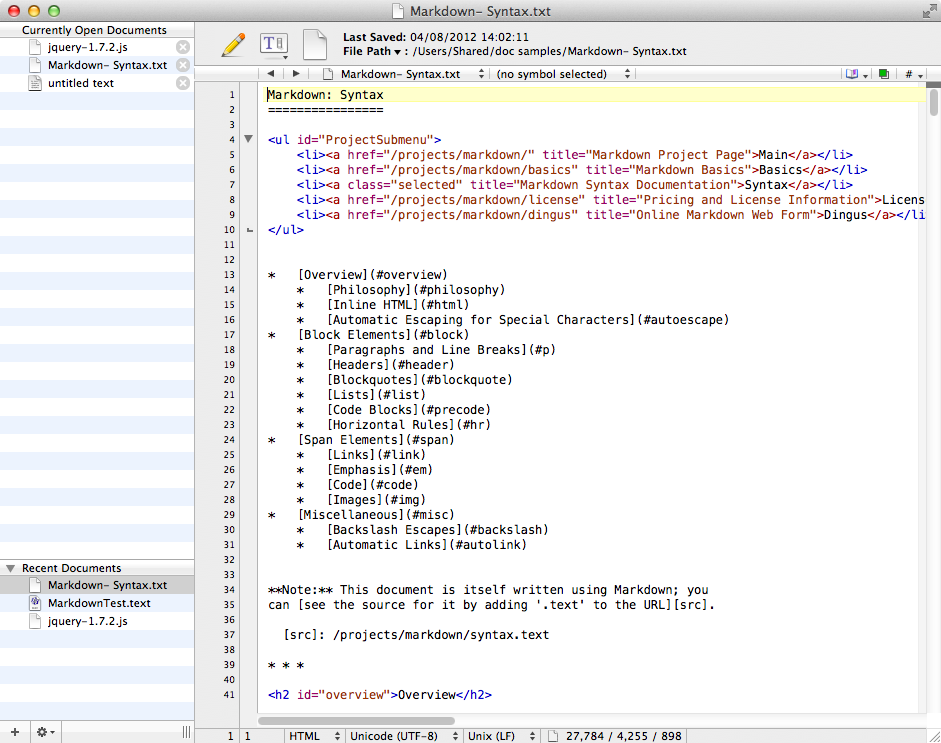
Textwrangler per Mac OSX
TextWrangler is a good code editor for OSX, free and with syntax-highliter that automatically recognizes what type of language you are using, and automatically highlights and colors the relevant parts of the code for a much more comfortable editing.
Coming from Windows and has been used in programs such as Devcpp, that in addition to the syntax highlighting were specific to C and allowed, with a couple of clicks on the icons, fill or fill&execute the code you just wrote, could feel the lack of this kind of functions in TextWrangler, that it is only a text editor, a more general.
luckily, Textwrangler supporta Applescript. This means that you can automate any type of operation by leveraging the power of Applescript, and putting them into an appropriate folder, these will appear in the menu of TextWrangler shaped parchment (which is located to the right).
Months ago, precisely, I wrote these two scripts that “simulate” the compile and compile&execute di Devcpp.
IT IS NECESSARY TO download them and place them in ~/Library/Application Support/TextWrangler/Scripts/ and the script will be visible in the menu on the form of parchment.
E'inutile say that, senza i developer tools, the scripts are useless because the c++ compiler is missing 🙂
Spreader is download them from the usual linux/osx repository
Cartell OSX -> Textwrangler_compile&execute_scripts
Were tested on several computers and they work without problems, but I welcome feedback, let me know in the blog comments 🙂